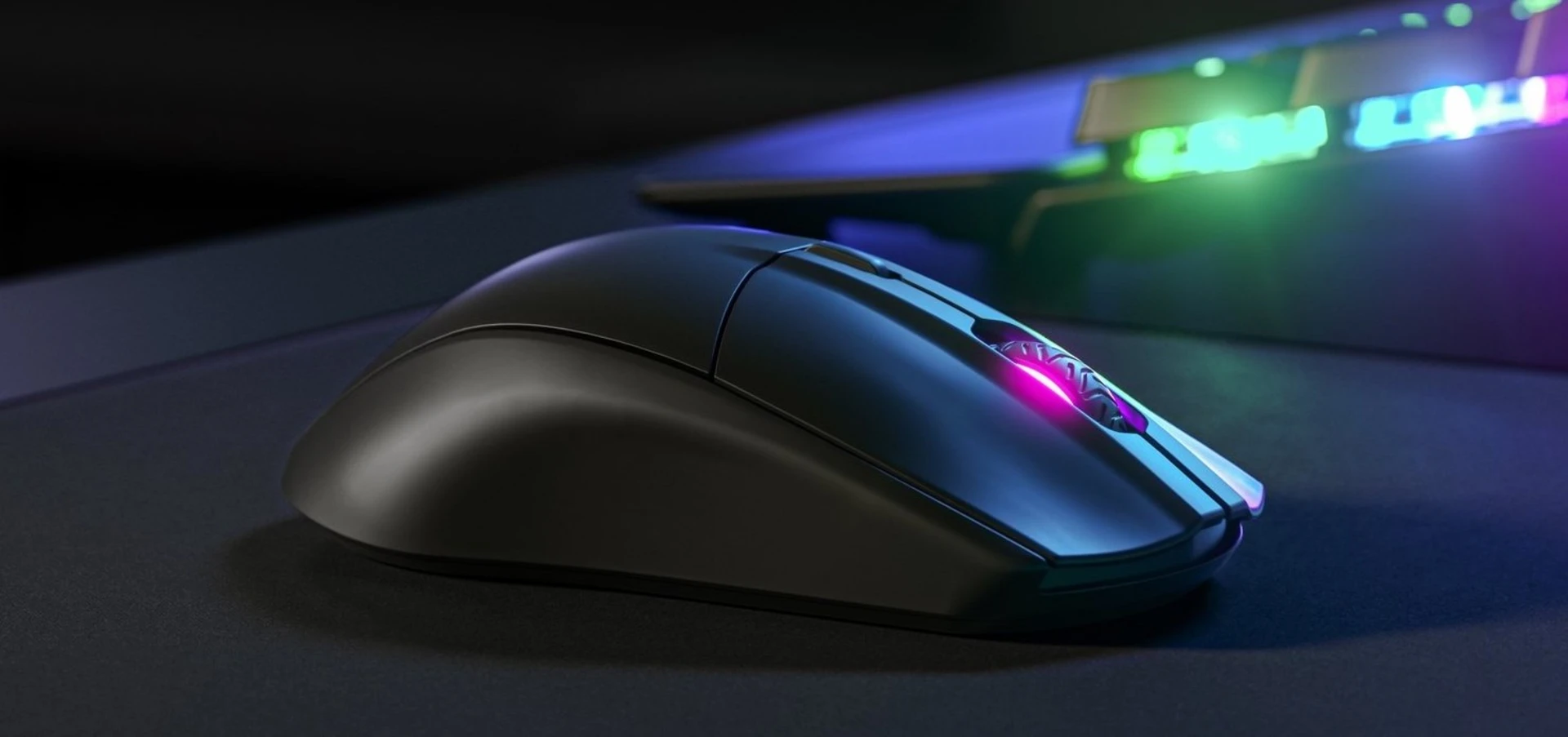
Finding a reliable gaming mouse on a tight budget is no longer difficult. Modern budget peripherals now offer accurate sensors, solid build quality, and responsive clicks that can compete with more expensive models. The key is knowing what matters most—sensor accuracy, comfort, durability, and latency—rather than focusing only on branding or RGB features.
Many of the best mice under 50 today are designed to deliver consistent performance for FPS, MOBA, and general gaming use without breaking the bank.
What Makes a Good Budget Gaming Mouse?
A strong budget gaming mouse should focus on performance fundamentals rather than flashy extras. Even at under $50, many models now include high-quality sensors and durable switches that last for millions of clicks.
Key factors include:
- Accurate optical sensor tracking for smooth movement
- Low click latency for fast response in games
- Comfortable ergonomic shape for long sessions
- Durable switches rated for heavy use
- Stable wired or wireless connection
Recent testing shows that mice in the $30–$50 range often deliver near-flagship performance, especially in competitive FPS titles.
Performance: What You Can Expect Under $50
Budget gaming mice have improved significantly in recent years. Many now include:
- 8,000–26,000 DPI sensors
- Sub-millisecond response times
- Lightweight designs under 100g
- Paracord-style cables or low-latency wireless
- Onboard DPI and macro controls
Some models even match premium mice in sensor performance, making them viable for competitive gaming.
Build Quality and Durability
Even at a lower price point, durability is no longer a major concern if you choose wisely. Most reputable budget mice now use:
- Mechanical switches rated for 20–70 million clicks
- Reinforced plastic shells or honeycomb designs
- Smooth PTFE feet for better glide
- Sweat-resistant coatings in some models
These improvements mean a good budget mouse can easily last several years of regular use.
Wired vs Wireless Budget Mice
Both wired and wireless options are available under $50, and each has its strengths.
Wired Gaming Mice
- Zero battery concerns
- Consistent latency
- Often slightly cheaper
- Best for competitive FPS gaming
Wireless Gaming Mice
- Clean, cable-free setup
- Modern low-latency 2.4GHz connections
- Improved battery life (often 50–200+ hours)
- Great for versatility and casual play
Wireless technology has advanced so much that latency differences are now minimal in most modern models.
Features That Actually Matter
When choosing a budget gaming mouse, focus on these essential features:
Sensor Quality
Avoid outdated or inconsistent sensors. Look for modern optical sensors for accurate tracking.
Weight and Shape
Lightweight mice improve flick speed and reduce fatigue, especially in FPS games.
Grip Style Compatibility
Choose a shape that matches your hand style:
- Palm grip: fuller, ergonomic designs
- Claw grip: compact, curved shells
- Fingertip grip: lightweight, smaller mice
Software Customization
Basic software support for DPI adjustment, button mapping, and macros can improve usability.
Pros and Cons of Budget Gaming Mice
Advantages
- Excellent performance for the price
- Wide variety of shapes and sizes
- Suitable for both casual and competitive gaming
- Lightweight and responsive designs available
Limitations
- Fewer premium materials
- Limited advanced features compared to high-end models
- Some budget wireless mice may lack top-tier battery life
Who Should Buy a Mouse Under $50?
Budget gaming mice are ideal for:
- Beginner gamers upgrading from office mice
- Students and casual players
- FPS players on a budget
- Users who want reliable performance without premium pricing
Final Thoughts
A gaming mouse under $50 no longer means compromise. With modern sensors, improved build quality, and better ergonomic designs, budget mice can deliver strong performance across most gaming genres. The best choice ultimately depends on your grip style, preferred weight, and whether you prioritize wired reliability or wireless convenience.